Catalogue
Product search, product detail, category and manufacturer lists, stock levels.
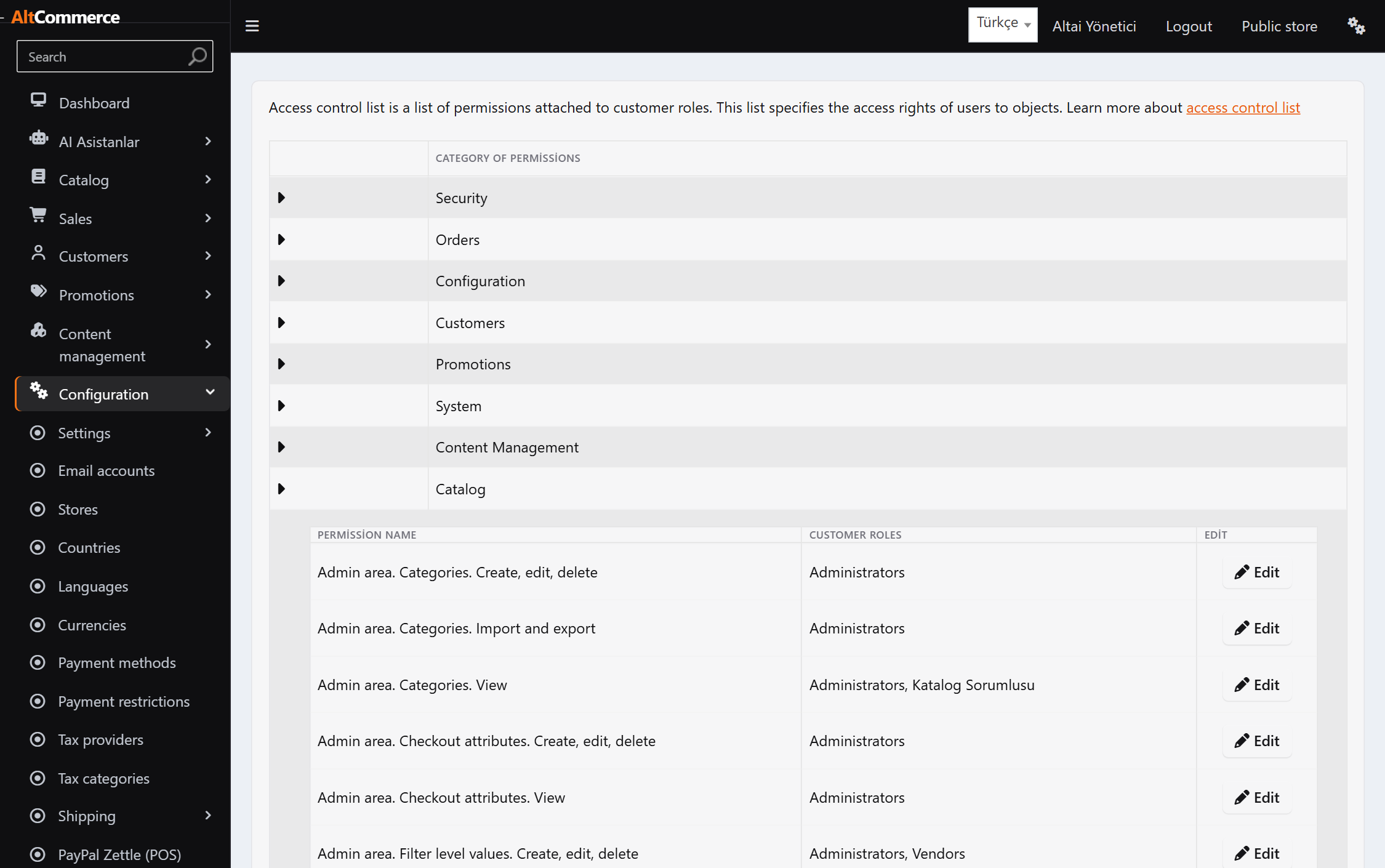
Most admin-panel assistants reach everything through a single administrator key. Ours cannot: the assistant's tool set is derived from the access list of whoever is signed in at that moment.
Each department sees only its own assistant. A domain you have no rights to never appears in the menu.
Product search, product detail, category and manufacturer lists, stock levels.
Order search, order detail, shipment and return request status.
Sales summary, bestsellers, low stock, products never purchased.
Customer search, role membership, activity log.
Discounts, newsletter subscribers, campaigns.
Topic pages, news, blog posts.
Setting search, plugin list, store list. Secret values are masked.
System log, scheduled tasks.
You do not manage what the assistant can reach from a separate screen. The moment you change a staff member's role, their assistant changes too — because the source is the same.
An unauthorised tool and a tool that does not exist return the same answer. Giving different messages would leak which tools exist to the assistant.
When the assistant calls a write tool, the tool does not run. A box appears in the panel describing what will happen; until you approve it, nothing in the database changes.
 Catalogue
Working knowledge you explain once is remembered in later conversations. But every note is stored together with the permission it requires.
Volatile values — prices, stock, revenue — are deliberately not remembered. The assistant learns how to reach the stock figure, not the figure itself.
The API key is yours and usage is billed to your own account.
Claude models. The most consistent at picking the right tool and at not inventing numbers; this is our default.
GPT models, supported through the Chat Completions tool-calling flow.
Gemini models, supported through the function calling flow.
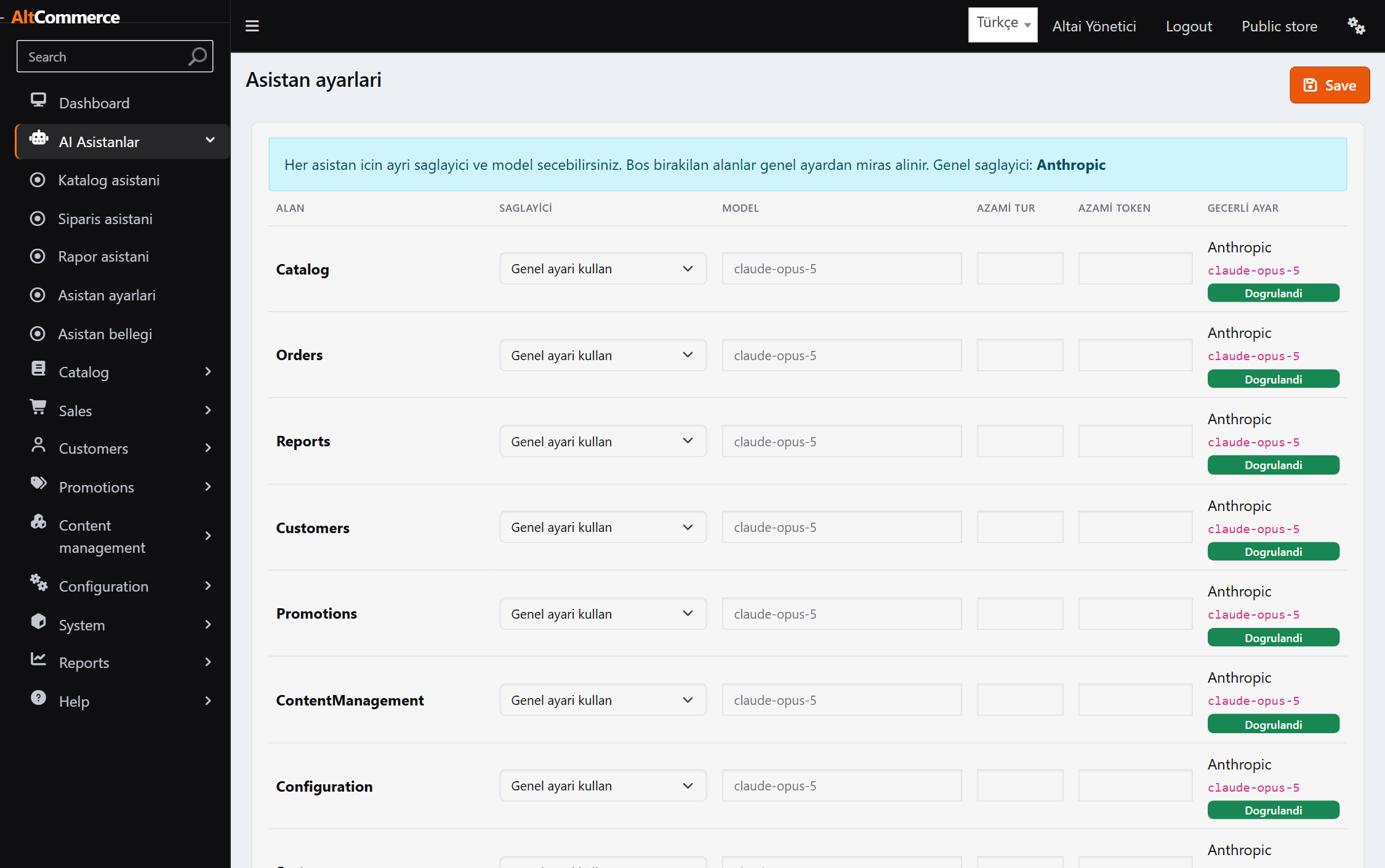
The choice is per domain: the catalogue assistant can run on one model and the reporting assistant on another. Cheap models are weak at tool selection; the assistant's reliability follows the model you pick.
Not the easy way to put AI in an admin panel — the safe one.
Text inside tool output is treated as data, not instructions. If it contains an order, the assistant refuses and tells you instead.
Settings whose names contain key, password or token reach the assistant as ***.
Which tool, under which permission, called by whom — all of it lands in the activity log.
An unauthorised tool and a non-existent one answer identically, so the assistant cannot map your permissions.
The database stays with you. Only the question and the tool result reach the provider.
AI can be turned off with a single setting; the panel keeps working exactly as before.
We will open a demo account for you — try it with your own product data. No installation, half an hour is enough.